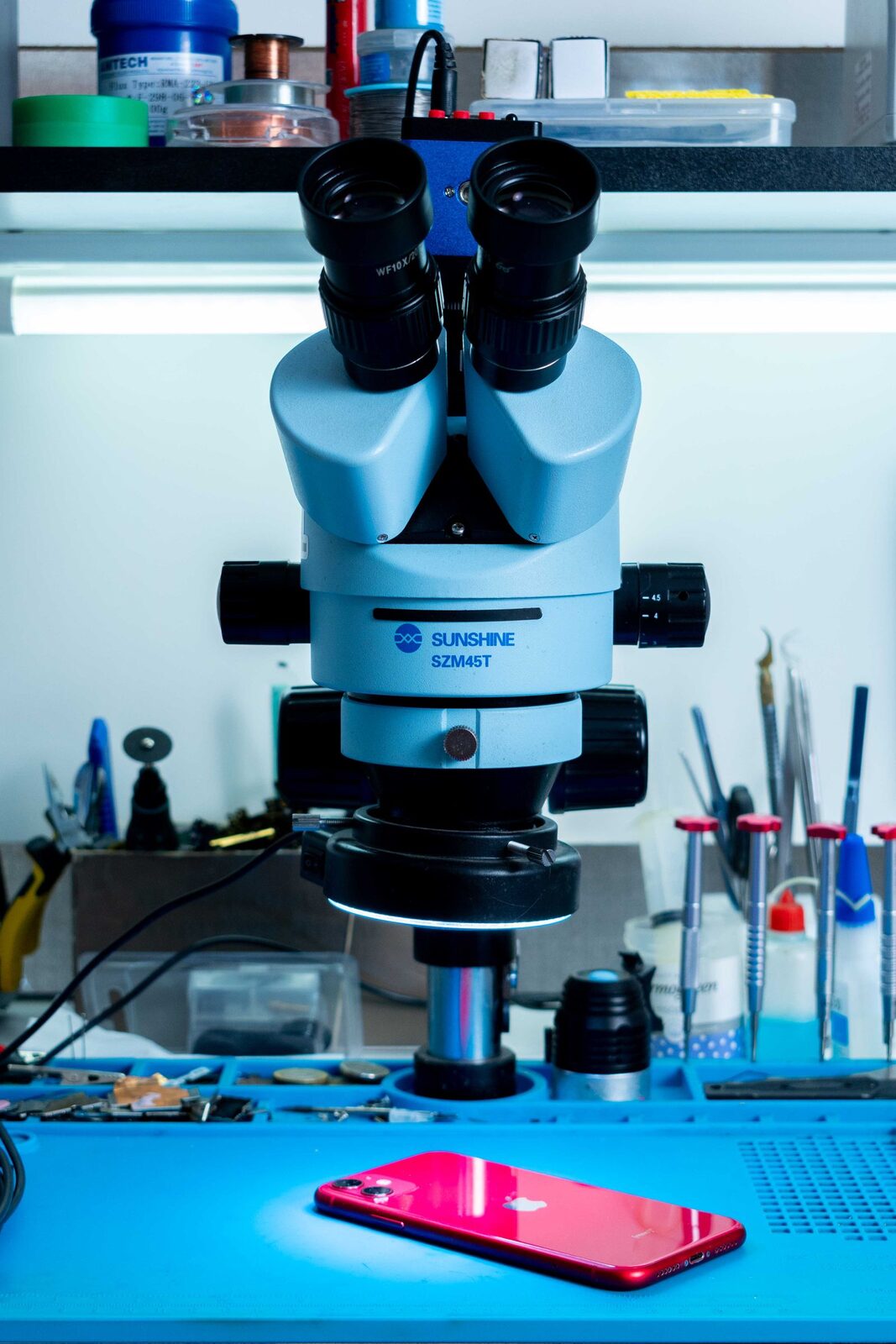
Microscope and iPhone at the repair bench — iPhone repair Düsseldorf
Liquid warning

Your iPhone says liquid detected in the port: what to do now

You plug in the charging cable, and instead of the charging symbol a warning appears. The iPhone has detected moisture in the port and will not charge by cable for now. In most cases this sorts itself out after a while, as long as you do a few things right in the meantime.

Published Topic Care

Your iPhone says liquid detected in the port: what to do now

What the message means

From the iPhone XS onwards, the phone checks whether there is moisture in the Lightning or USB-C port when you plug something in. The exact wording depends on the port. With Lightning it usually says “Charging Not Available” when you charge, with USB-C it says “Liquid Detected in USB-C Connector” or simply “Liquid Detected”.

While the warning is active, the iPhone will not charge by cable, and accessories on the port will not work either. That is intentional, because electricity and moisture together attack the contacts. According to Apple, the port and the cable can corrode and be permanently damaged.

The right steps

Apple describes a clear order of steps for this case. We stick exactly to these instructions here, because they are made for the device and put nothing at risk.

  • Unplug the cable from the iPhone and from the power adapter
  • Gently tap the iPhone against your palm with the port facing down so that drops run out
  • Put the phone in a dry place with a little airflow
  • Wait at least half an hour before charging again or connecting accessories
  • If the warning comes back, let the iPhone dry for up to a day and try again in between

Charging while the warning stays

If you need power in the meantime, you can charge wirelessly. Apple recommends a Qi-certified charger for this, and the back of the iPhone should be dry.

This applies when only the port has got wet, for example from rain or splashes. If the whole phone was in water, it is a different matter. What to do then is explained in the article on first aid for water damage.

In an emergency you can also dismiss the warning, and the iPhone will then charge by cable despite the moisture. Apple explicitly offers this only for emergencies and in the same breath points out the risk of corrosion. So please do not make a habit of it, because that is exactly what the block is meant to protect the port from.

What you should not do

Hair dryers, radiators and compressed air are off limits. Apple explicitly advises against heat sources and against blowing air into the port.

Nothing belongs inside the port itself, neither a cotton bud nor a piece of kitchen paper. Very fine contacts sit close together in there, and they bend easily.

A bag of rice does not help either. Apple advises against it, because small grains can get into the port and damage the iPhone.

When the message appears without any water

Sometimes the warning appears even though the iPhone has not got wet anywhere. Apple names accessories as the first cause, because a faulty cable or adapter can also trigger the message. So try a different cable, ideally one that reliably charges another device.

Moisture can also get into the phone without a puddle. When you come in from the cold into a warm flat in autumn, condensation can form, and it is similar after a shower in a steamy bathroom. The message then usually disappears on its own once the iPhone has been lying in dry air for a while.

If the warning stays with a dry phone and with every cable, the cause lies in the port itself. Then compacted lint or deposits on the contacts are possible culprits. How to recognise a dirty port is explained in the article on cleaning the charging port.

When the phone should come to us

Bring the iPhone in if the warning still appears after a day of drying, and with every cable. The same applies if you see greenish or white deposits in the port, or if the phone was properly submerged in water beforehand.

We take a look at the port and find out whether cleaning is enough or the charging port needs replacing. The diagnosis is free, even if you decide against the repair afterwards. For some repairs you can wait instead of leaving the phone with us.

Frequently asked questions

Quick answers

How long does it take for the liquid warning to go away?

Apple names half an hour as the earliest point for another try. It can take up to a day for the moisture to disappear completely. During that time, leave the iPhone in a dry place with a little airflow.

Can I charge wirelessly while the liquid warning is showing?

Yes, according to Apple, with a Qi-certified charger and a dry back. This applies if only the port is wet. If the whole phone was in water, please leave it switched off and do not charge it at all.

What happens if I dismiss the liquid warning and charge anyway?

The iPhone will then charge, but the wet port is live. Apple warns that the contacts and the cable can corrode and break permanently. For a real emergency that is fine, but not as a long-term solution.

The warning keeps coming back even though everything is dry. What is broken?

First swap the cable, because a faulty cable also triggers the message. If it appears with every cable, dirt or deposits in the port could be the cause, or the charging port itself is damaged. We look into that during the diagnosis.

Your question isn't here? Call us on 0211 26134549 or send us a repair request.

Request

Get your device checked now

Tell us which device it is and what is wrong with it. We get back to you with the price and how long it takes.

  • No obligation: a request is not an order
  • Free diagnosis and quote
  • A phone number or email is all we need
Prefer to call?0211 26134549
Request a repairStep 1 of 5

What brand is your device?

Four short questions. Then we get back to you with the price and how long it takes.

Have your device looked at now

Tell us what's not working, and we'll have the right part ready. We look at your device for free and give you a quote. Then you decide in your own time whether we repair it.

4.8 out of 5742 reviews on Google
WhatsApp