Phone repair guides
The questions you ask us most often, answered here in peace. No sales pitch, and useful even if you don't need a repair at all.
From our workshop
No advice copied from elsewhere
No appointment
Münsterstraße 111 in Derendorf
We take a look
Even without a repair
What it is about
Repair
 iPhone 18 Pro
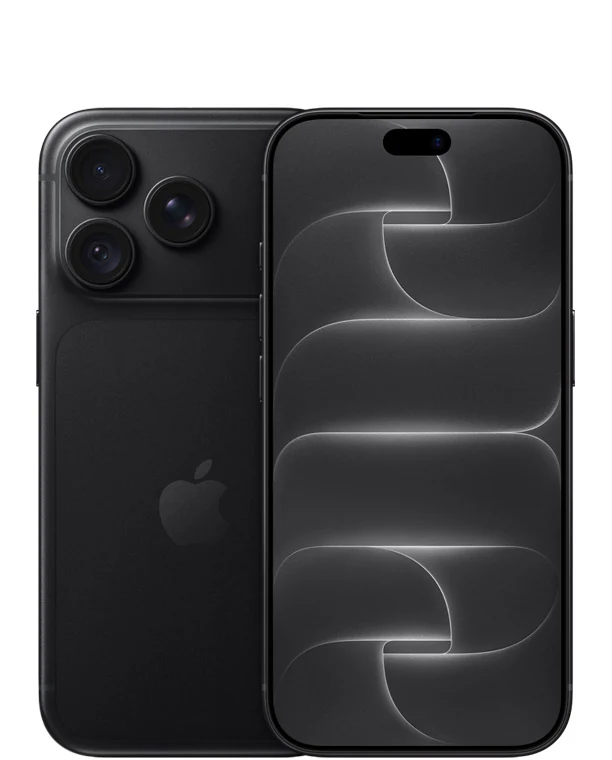
 screen broken — what to do now
A cracked screen on a phone that has only just come out feels especially annoying. The good news is that the order of steps is clear. We look at your device for free and give you a cost estimate. Then you decide, without any pressure, whether we repair it.
Read the article iPhone Duo
 — what to keep in mind with a foldable iPhone
A foldable phone is not a normal repair. We have been doing it on Samsung for years, and the same care now applies to Apple's first foldable iPhone.
Read the article Spare parts
Original or aftermarket — which screen should it be?
We fit original parts. For most models you can also ask for a tested aftermarket part. Here is what sets the two apart and when each one makes sense.
Read the article Face ID
Does Face ID keep working after a screen replacement?
This is the question we hear most often about iPhones. The answer is pleasantly clear, and so is the reason why cheap repairs fail here.
Read the article Samsung
Why the frame is replaced along with a Galaxy screen
A Galaxy screen repair often costs more than you expect. That comes down to how the device is built — and it has a good side too.
Read the article Understanding the price
Cheap screen repair in Düsseldorf — what makes the price
“Cheap” isn't a price; it is a calculation. Once you know what goes into it, you can tell in a minute whether an offer is really good value or just looks cheap.
Read the article Apple service
Apple repair in Düsseldorf: authorised, independent or DIY?
There are three routes for an Apple device: the authorised route through the manufacturer, an independent repair shop like us, or doing the repair yourself. Each has its place, and one of them is the right one for your case.
Read the articleRight to repairRight to repair: what the EU rules mean in everyday life
For a few years now, the EU has been setting out what manufacturers have to do so that a device stays repairable. That sounds like Brussels, and yet it's something you notice at the shop counter.
Read the article Parts pairing
: why some spare parts trigger messages
A new part is fitted, everything works, and yet there's a notice in Settings. That's not a fault, it's a decision made by the manufacturer.
Read the articleiPhone won't startiPhone won't turn on: what you can check yourself
An iPhone that won't turn on is a shock at first. In many cases, though, the device isn't dead at all: the battery is just empty or the screen is dark. With a few steps in the right order, you can find out what's wrong, and above all you won't put your photos at risk while doing it.
Read the articleScreenLines or a green line on your screen: cause and repair
A thin green line across the screen, colourful stripes after a drop, or a black spot that slowly grows: these are three different faults with three different answers. Before you spend any money, a test that takes one minute is worth doing.
Read the articleTouchscreenTouchscreen not responding or tapping by itself: what helps
A display that no longer responds in one spot is annoying. One that opens apps and dials numbers by itself is unsettling. Both often have a simple cause that has nothing to do with a broken screen, and you should rule that out first.
Read the article iPad screen
Cracked iPad screen: is new glass enough, or does the whole screen need replacing?
Two iPads with almost the same crack in the glass can need completely different repairs. That comes down to how Apple puts the glass and the screen together, and that differs from model to model. If you know which iPad you have, you can judge the repair better before we even talk.
Read the articleiPhone 18 ProiPhone 18 Pro camera after a drop: what can be repaired
The iPhone 18 Pro is the first iPhone with a moving aperture in the main camera. For photos that is a step forward, for repairs it is new territory. After a drop, it therefore helps to look closely at which part of the camera has taken the hit.
Read the article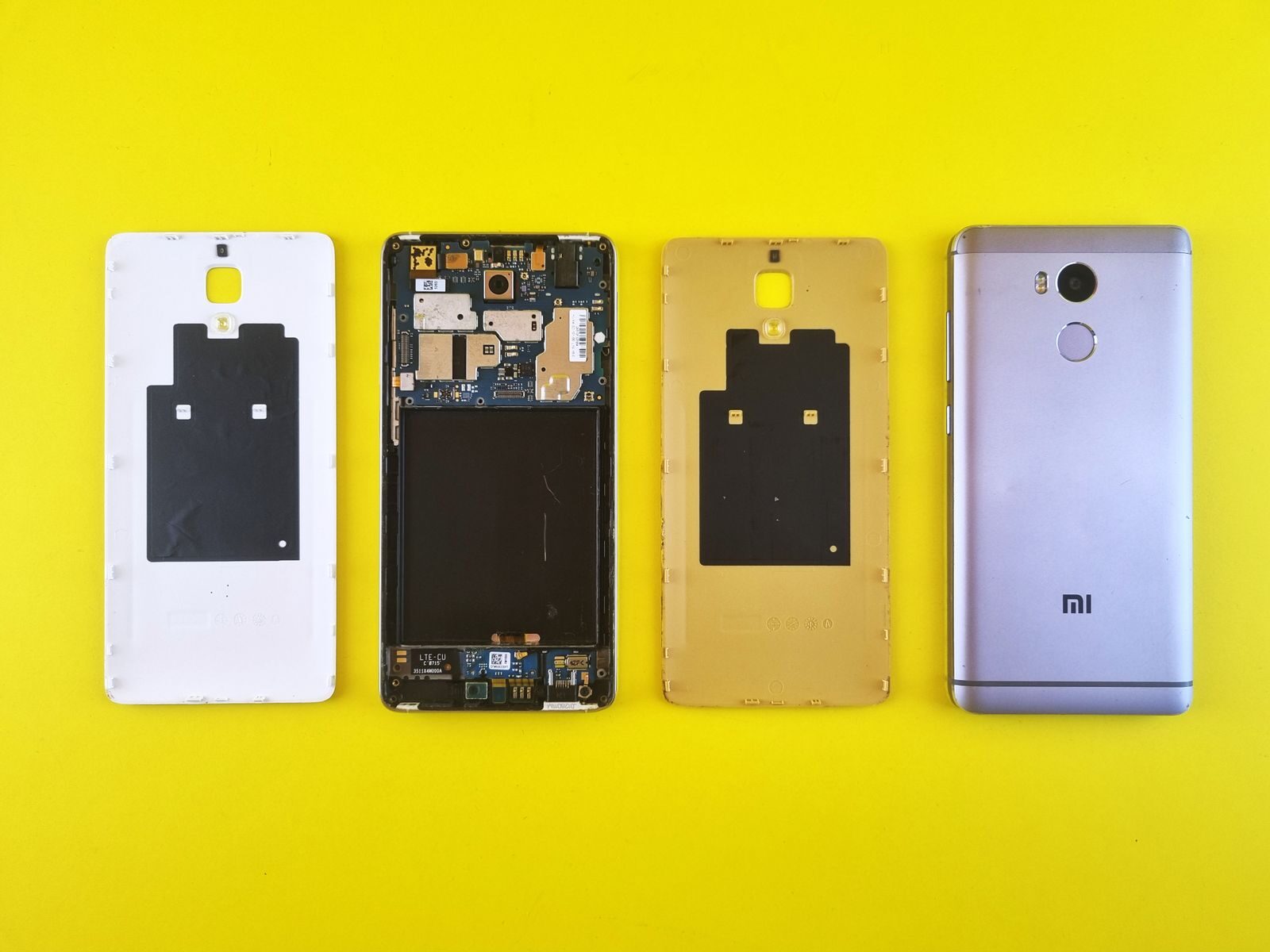 Google Pixel 11
Repairing the Pixel 11: what the first teardowns show
The Pixel 11 has been on sale since August, and the first teardowns on YouTube come to a similar conclusion: the device is comparatively easy to open. Here we explain what that means for you if the screen cracks or the battery weakens, and where the good news ends.
Read the articleiPad mini 2026The new iPad mini with OLED: what changes for repairs
Apple has thoroughly rebuilt the iPad mini: OLED instead of LCD, protection against water and dust, and speakers that sit behind the screen. For everyday use, that is good news. For repairs, quite a lot changes, and you should know about it before the first accident happens.
Read the article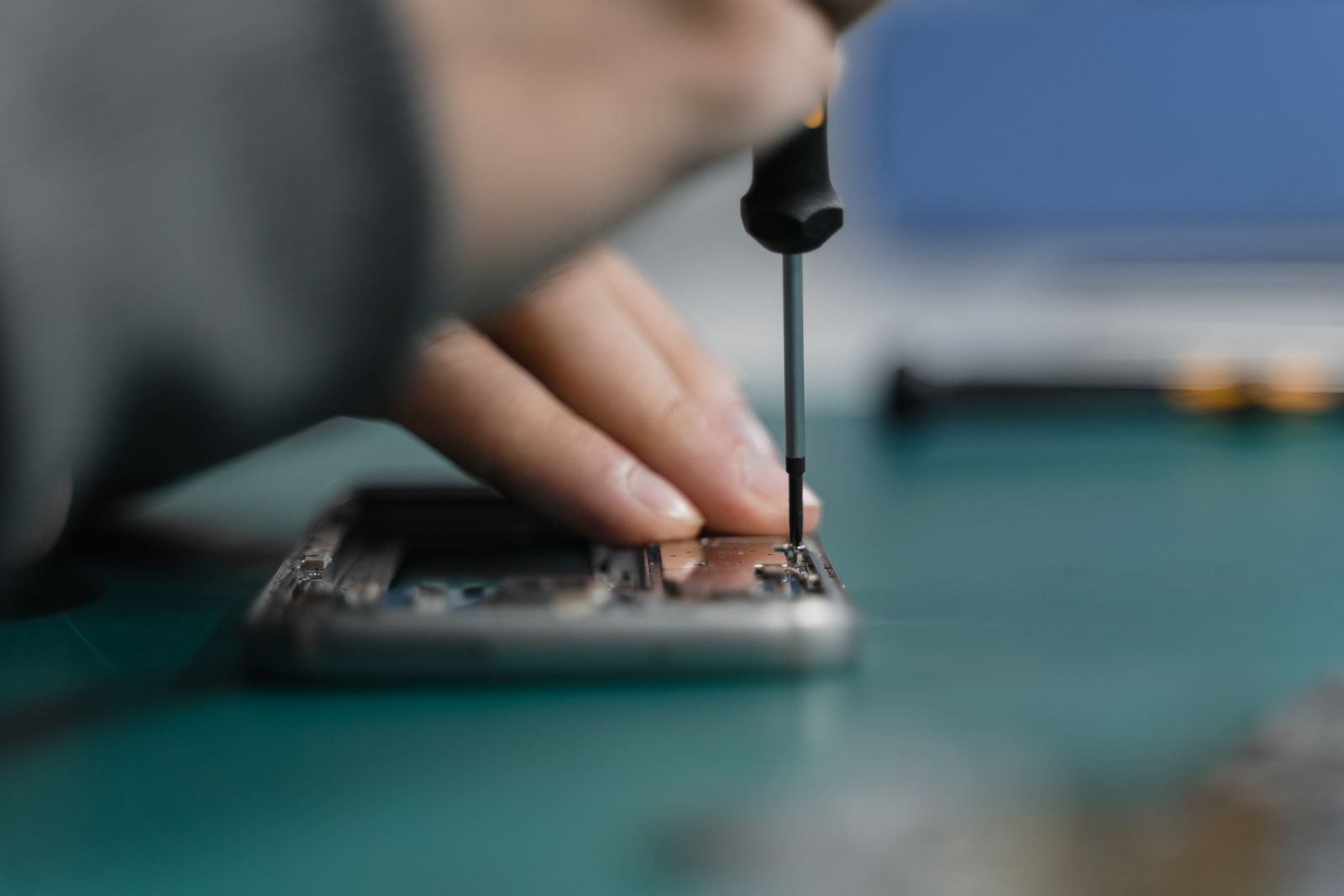 Sound on calls
Phone too quiet on calls: is it the speaker or the microphone?
“I can't hear anything” and “They can't hear me” sound like the same problem, but they involve two different parts. Before anything gets replaced, you should rule out the harmless causes, because often there is just dust in the grille or a pair of headphones is still connected via Bluetooth. Here is how to check that in a few minutes.
Read the articleMacBook Pro 2026MacBook Pro with OLED and touchscreen: what to expect from a repair
For the first time, a Mac has a screen that responds to touch, and for the first time it is an OLED screen. That makes the new MacBook Pro an eye-catcher. But it also makes the screen the most valuable component in the whole device, and that is worth knowing before the first scratch.
Read the article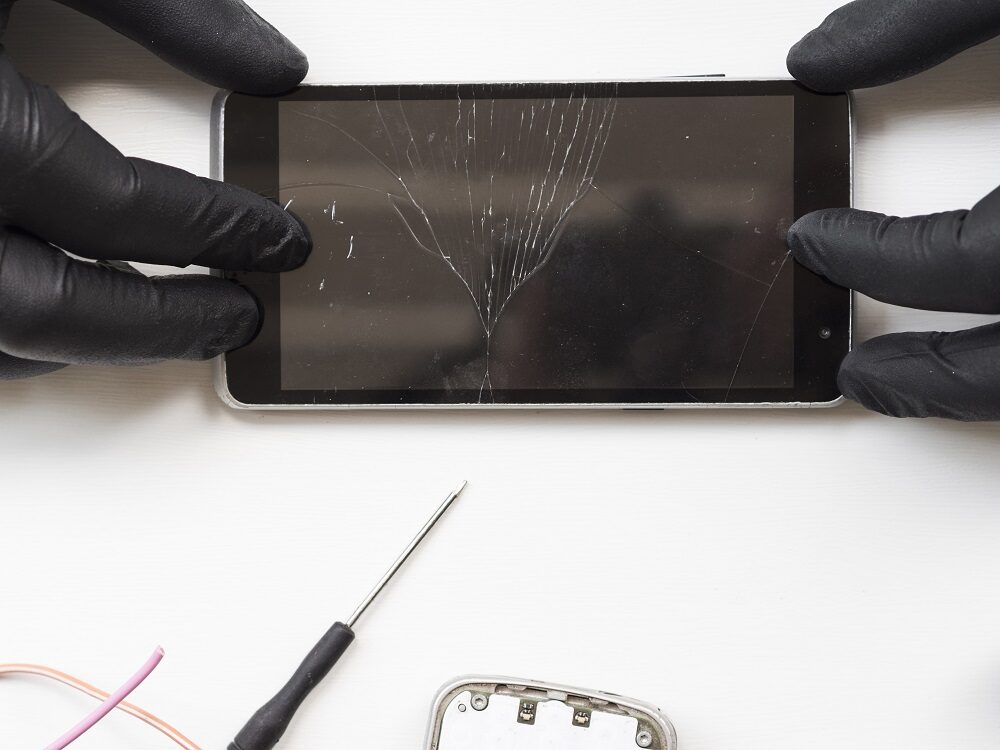 Camera
Photos suddenly blurry: is the camera lens glass or the camera broken?
Blurry photos have two very different causes. Either the glass in front of the lens is damaged, or the camera itself no longer focuses properly. With a few tests you can find out what's going on with your phone, and sometimes it turns out that nothing is broken at all.
Read the articleBuying advice
 Buying advice
iPhone 18 Pro or iPhone 17 Pro — which is cheaper to keep running?
If you are torn between the current model and last year's, you probably look at the purchase price first. We look at something else: what the phone costs once something breaks.
Read the article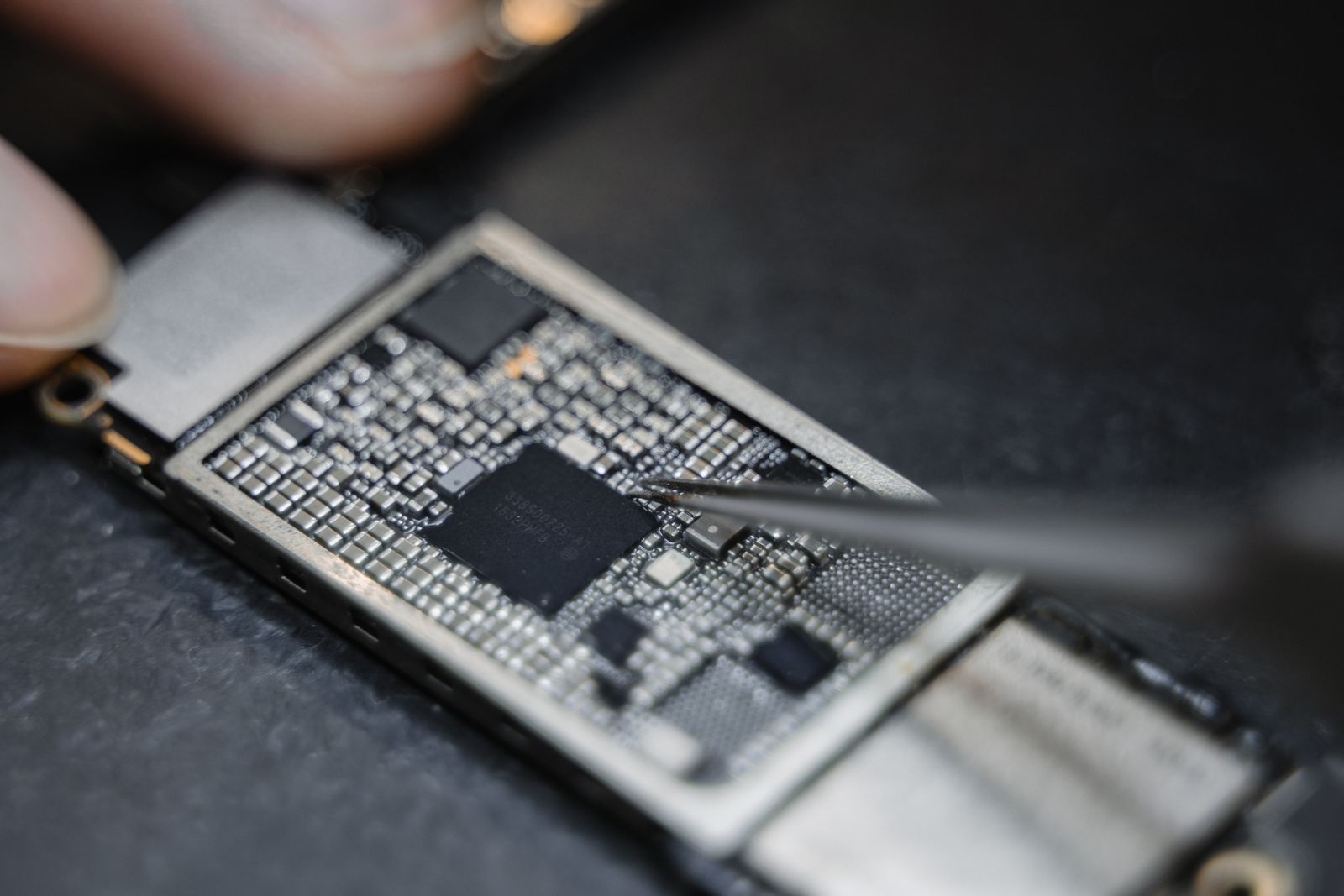 Decision guide
Repair or buy new — when is which worth it?
We hear this question several times a day in Düsseldorf-Derendorf. There is no one-size-fits-all answer, but there is a rule of thumb that gets you further in a minute.
Read the articleBefore you sellSelling your phone — repair it first or sell it broken?
A broken phone loses a disproportionate amount of value. But that does not mean every repair is worth it before selling. It depends on which one.
Read the article Finding a shop
Phone repair near you — how to find the right shop
Nobody likes handing over their phone. That makes it all the more important who you give it to — and how far you have to go when you need it back.
Read the articleEU energy labelThe repairability class on the EU label: what it tells you
New smartphones now come with a label like the one you know from washing machines. What's new is one line that has never appeared on an EU label before: the repairability class.
Read the article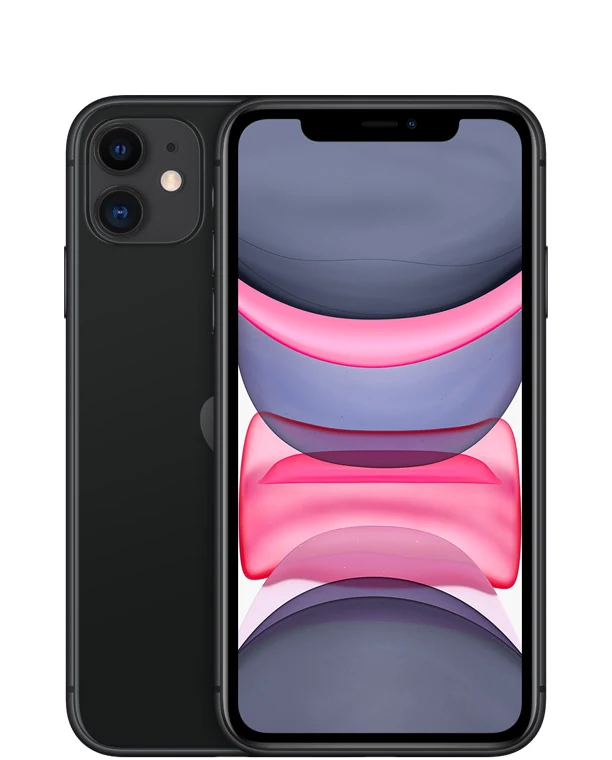 iPhone 11 and the new iOS
iPhone 11 with the new iOS: what it means for a repair
In spring it looked as if Apple would drop the iPhone 11 with the new system. It turned out differently. If you are holding an older iPhone with a broken screen or a tired battery, that changes the maths, and it does so in favour of the repair.
Read the article Selling your old phone
Sell or trade in your old phone? Three options compared
A new phone almost always brings the question of what to do with the old one. Trading it in sounds convenient, selling it yourself sounds like more money. Which option suits you better depends less on the device and more on how much effort you want to put in and when you want to know what you will get.
Read the articleMacBook Pro M6The MacBook Pro with M6 is here: buy new or repair your old one?
Apple has moved the 14-inch MacBook Pro to the new M6 chip. If you have a MacBook with a cracked screen or a weak battery in front of you right now, you are probably wondering whether a repair is still worth it. The answer depends less on the new chip than on your old device.
Read the articleEU Battery RegulationReplaceable phone batteries from 2027: what the EU really requires
From February 2027, batteries in devices must be replaceable by users themselves. That's what many headlines say, and for smartphones it's only half the story. Here you'll find what the two regulations involved actually say about phones.
Read the articleCare
 Battery
Phone battery replacement — when is it worth it?
The battery is the only part in your phone that is designed to age. The good news: you can check how it is doing in ten seconds.
Read the article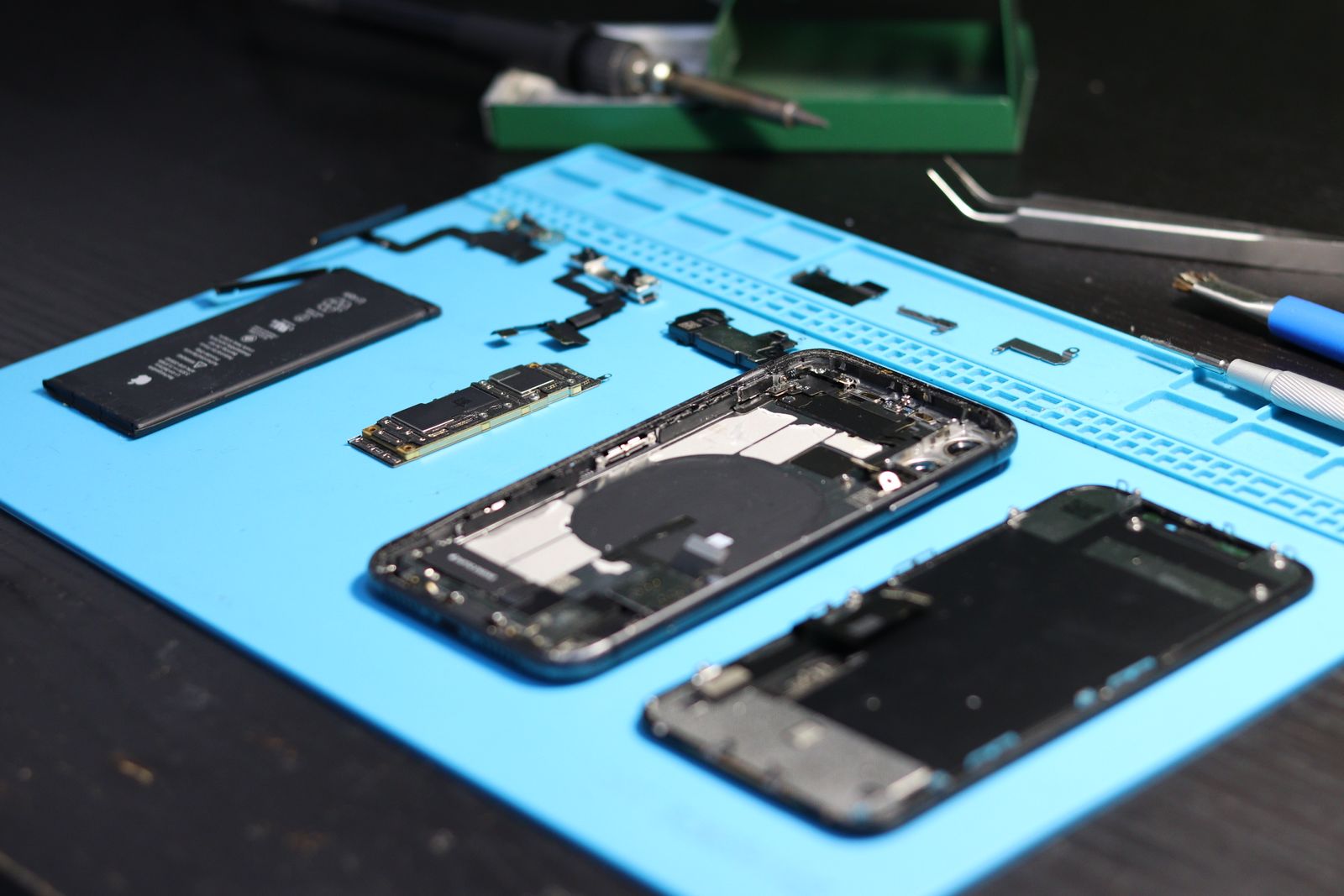 Water damage
Phone fell in water — what to do in the first few minutes
With liquid damage, the first few hours decide whether the logic board can still be saved. What you do during that time matters more than anything that comes after.
Read the article Charging port
Phone not charging anymore? Often it is just lint
“My phone won't charge anymore” is one of the sentences we hear most often at the counter. In a large share of cases, no repair is needed afterwards.
Read the articleiOS 27iPhone battery draining fast after the iOS 27 update: what is still normal
The update is done, and by the afternoon the battery suddenly shows only a little charge left. That looks like a fault, but in the first few days it usually is not, and Apple itself describes the effect as normal. It only becomes serious if it does not go away again after a few days.
Read the article Galaxy Z Fold 8
Foldable phones and dust: what a test on the Galaxy Z Fold 8 shows about the hinge
A foldable phone has one spot that moves every time you open it, and that is exactly where dust collects. A test by iFixit on the Galaxy Z Fold 8 showed how quickly fine dust makes the hinge crunch. If you know what the protection rating covers and how problems announce themselves, you can avoid a lot of it.
Read the articleLiquid warningYour iPhone says liquid detected in the port: what to do now
You plug in the charging cable, and instead of the charging symbol a warning appears. The iPhone has detected moisture in the port and will not charge by cable for now. In most cases this sorts itself out after a while, as long as you do a few things right in the meantime.
Read the articleBattery in winterPhone turns off in the cold: is the battery broken or is it just too cold?
Outside, the phone still shows plenty of charge and then suddenly switches itself off. Indoors it starts again as if nothing had happened. This is a well-known behaviour of lithium-ion batteries in the cold, and in most cases nothing has been damaged. But if it happens more and more often, it can be a sign that your battery has aged.
Read the article
Call or drop by now
We look at your device and tell you what is wrong and what a repair costs. Only then do you decide.
4.8 out of 5742 reviews on GoogleHave your device checked now
Tell us which device it is and what is wrong with it. We get back to you with the price and how long it takes.
- No obligation: a request is not an order
- Free diagnosis and quote
- A phone number or email is all we need
What brand is your device?
Four short questions. Then we get back to you with the price and how long it takes.
No obligation · No sign-up · We reply as fast as we can