
Speaker and Microphone Repair in Düsseldorf
A phone has several microphones and two speakers, and each of these parts sits in a different place. Before we replace anything, we find out which one has stopped working. Often it is not a defect at all, but dirt in the grille or a forgotten Bluetooth connection.
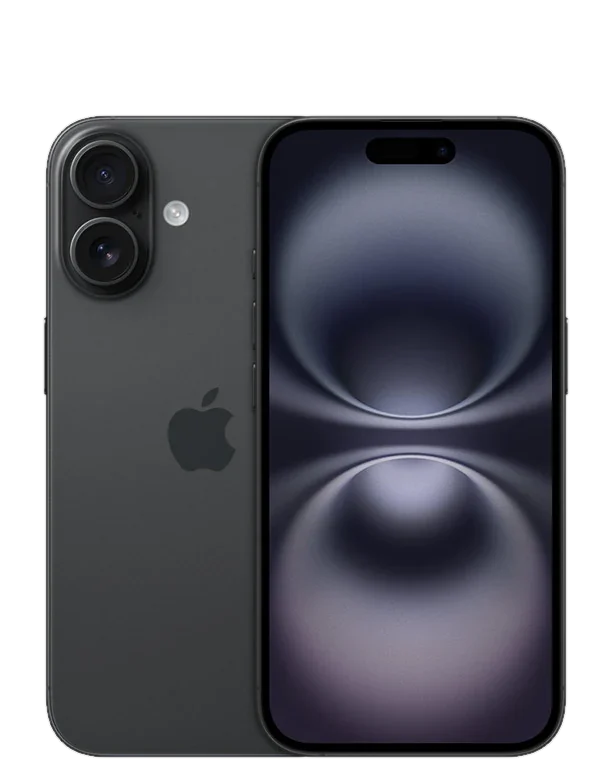
Three parts
Microphone, speaker, earpiece
Free diagnosis
Even without an order
No appointment
Münsterstraße 111
Which part is it? Four tests to try at home
Switch off Bluetooth first
If headphones, a speaker or your car are still connected, the sound goes there and not to the phone. Switch Bluetooth off once and then test again. It sounds trivial, but it is one of the most common reasons why a phone seems to be silent.
Check the bottom microphone with a voice memo
Record a short voice memo and play it back. For this the phone uses the microphone at the bottom of the device — the same one through which the person you are talking to hears you on a call. If the recording sounds muffled, quiet or noisy, the problem is this microphone.
Check the other microphones with two videos
Film once with the front camera and once with the rear camera, and speak while you do. For videos the phone usually uses the microphones at the top and next to the camera. If the sound is poor in only one of the two videos, it is clear which microphone is affected.
Listen to the speaker and earpiece separately
Play some music and hold the phone to your ear with the bottom end and then the top end. On many devices the earpiece at the top also plays music, on the iPhone since the iPhone 7. If one of the two sides is silent or crackles, you will hear it straight away.
Where the parts sit and what that means for the repair
On most iPhone models, the bottom microphone sits on the same flex cable as the charging port. If it is faulty, the whole unit including the port is therefore replaced. Many Galaxy models are similar: there, the charging port and microphone share a small sub-board.
On iPhones with Face ID, the earpiece at the top sits right next to the front camera and the Face ID sensors. These sensors are paired to the logic board and must not be damaged during removal, otherwise Face ID will no longer work afterwards. We work with corresponding care at this spot.
The bottom speaker is a separate, sealed module. If it crackles after a fall or sounds tinny after water damage, the module is usually replaced. If it is only dirt in the grille, a clean is enough.
Many sound problems are caused by lint and dust from your pocket that settle in the grilles. You can carefully loosen it with a soft, dry brush. Needles, toothpicks and compressed air are not a good idea: behind the grille sits a fine membrane that is easily damaged.
Not every silent microphone is a microphone fault. On the iPhone 7 and 7 Plus, for example, the speaker icon stays grey during calls when a chip on the logic board has come loose. That is a logic board repair, which we discuss with you beforehand.
- The person you are calling cannot hear you, or only quietly and with noise
- Voice messages arrive muffled or not at all
- The bottom speaker crackles, rattles or stays silent
- On calls you can barely hear the other person through the top
- After a fall or water damage everything sounds tinny
Questions about speakers and microphones
People can't hear me on calls. Is the microphone broken?
Not necessarily. First switch off Bluetooth and then record a voice memo. If the recording is fine, the microphone is working, and the problem is more likely the connection or an app that has no access to the microphone. If the recording is muffled or silent, the bottom microphone is affected.
My speaker crackles. Can that be repaired?
Yes. If the speaker crackles or rattles even at medium volume, the membrane is usually damaged, and the speaker module is replaced. If, on the other hand, it only sounds quiet or muffled, there is often dirt in the grille. Then a clean is enough.
Does the charging port have to be replaced too for a new iPhone microphone?
On many models, yes. On the iPhone the bottom microphone sits on the same flex cable as the charging port, and the whole unit is replaced. The other way round, a charging port that wobbles after a fall may also have damaged the microphone. We tell you during the diagnosis how your model is built.
How long does a speaker or microphone repair take?
Usually 20 to 60 minutes. Exactly how long depends on the model and on whether the part is in stock. For some repairs you can wait instead of leaving the device with us. Just ask when you hand it in.
How much does it cost to have the speaker or microphone repaired?
That depends on which part it is and whether it sits on its own or belongs to a larger unit. We look at your phone for free and give you a quote. The diagnosis costs nothing even if you decide against the repair afterwards.
Your question is not listed? Call us on 0211 26134549 or send us a repair request.
Get your speaker or microphone repaired
Briefly describe what you hear, or what the person you are calling cannot hear. We will get back to you with the price and how long it takes.
- No obligation: a request is not an order
- Free diagnosis and quote
- A phone number or email is all we need
What brand is your device?
Four short questions. Then we get back to you with the price and how long it takes.
No obligation · No sign-up · We reply as fast as we can
No sound? Bring your phone in
The diagnosis is free, even if you decide against the repair afterwards. Drop in without an appointment at our shop at Münsterstraße 111, 40476 Düsseldorf, in Düsseldorf-Derendorf, and we will find out which part it is.
4.8 out of 5742 reviews on Google