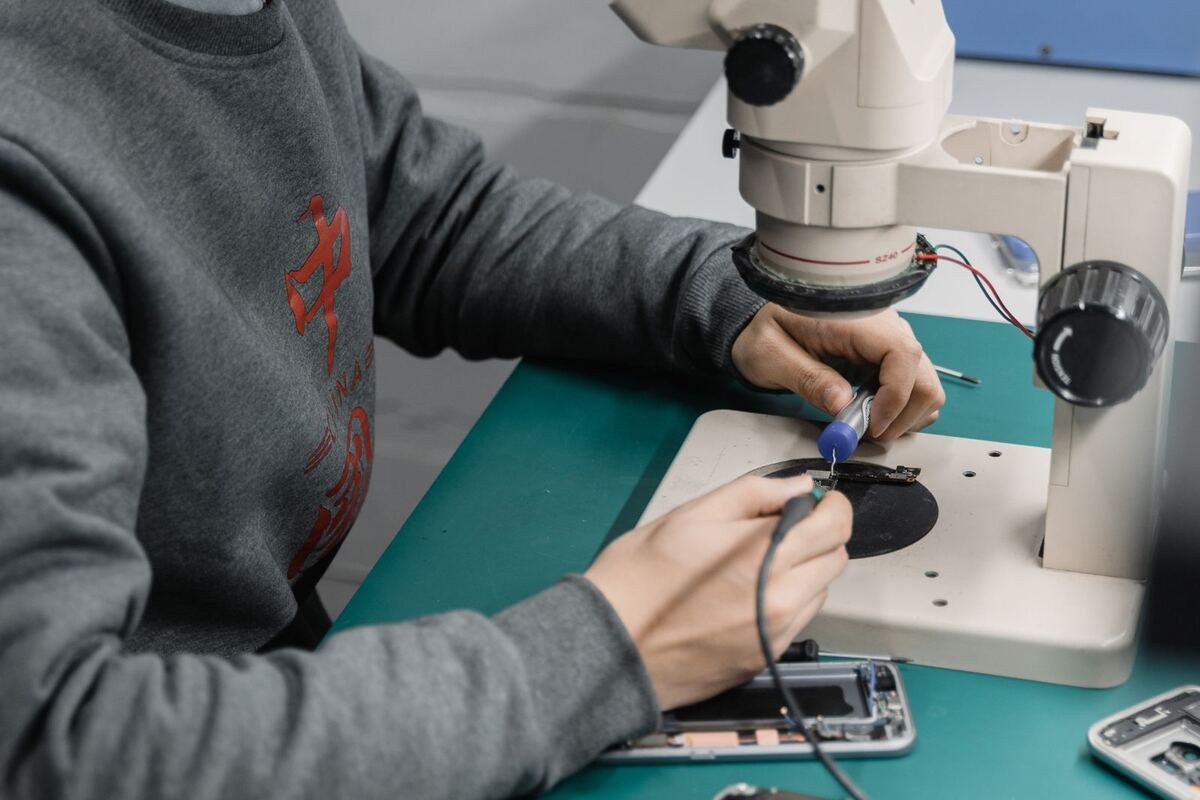
Checking the logic board during a phone repair in Düsseldorf
Backup

Backing up your data before a repair — a guide

When we replace a display or battery, we do not touch your storage. We still recommend a backup, for the same reason you put on your seatbelt before driving.

Published Topic Data

Backing up your data before a repair — a guide

Why bother if nothing gets deleted?

With the vast majority of repairs, your storage stays untouched. We do not reset anything and we do not delete anything.

Still, in theory something can go wrong whenever a device is opened, and with devices that already had problems the risk is higher. A backup costs you a few minutes and takes this worry away completely.

There are also cases where a reset is part of the repair, for example when a software fault is the cause. We ask you first, but with a backup the answer is easier.

iPhone: the fastest way via iCloud

Connect the device to Wi-Fi and plug it into the charger. Then open Settings, tap your name at the top, then “iCloud” and “iCloud Backup”.

There, tap “Back Up Now”. Below it you can see when the last backup ran. This timestamp is the only indicator that counts.

If your iCloud storage is not enough, Apple temporarily offers extra space when you switch devices. Alternatively, back up via cable.

iPhone: backup via cable

On a Mac, open Finder and select your device in the sidebar. On Windows, use the Apple Devices app.

Choose “Back up all of the data on your iPhone to this computer” and turn on encryption. Only an encrypted backup contains your saved passwords, health data and Wi-Fi logins.

Remember the password for this backup well. Without this password the backup cannot be restored, and nobody can reset it.

Android and Samsung: Google and Smart Switch

On Android devices, the basic backup runs through your Google account. In Settings you will find it under “Google” and then “Backup”. There you can start the backup manually and see when the last one ran.

Photos and videos are not automatically included there. Check in the Photos app whether syncing is switched on, otherwise exactly what most people care about will be missing.

Samsung devices also come with Smart Switch. With it you can back up the complete device to a computer or a USB stick, which is the most complete option on Galaxy devices.

What we touch and what we don't

For the display, battery, charging port and camera, we work on the hardware. Your storage is not affected, and we do not look at your content.

If we need to get into your system for a test, for example to open the camera app or check Face ID, we ask you first. You can also stay and go through it together with us.

Giving us your passcode is not required. Without it, we test everything that can be tested without unlocking, and you check the rest with us when you pick up the device.

When the device won't turn on at all

Then you can no longer make a backup, and that is exactly why the last backup, which you hopefully have, matters so much.

If you don't have one: tell us when you drop off the device that the data has priority. We then take a different approach and first try to get the device running far enough to make a backup possible.

In many cases the storage is undamaged and only another component is faulty. Then the chances are good. With water damage, it depends on how far the corrosion has already spread.

A quick check before you drop it off

Look at the timestamp of your last backup. A backup from eight months ago is better than none, but everything since then is missing.

Also take out the SIM card if you want to use a spare phone in the meantime. If your device uses an eSIM, talk to us. That is a separate step we do together.

Frequently asked questions

Quick answers

Do I have to give you my passcode?

It is not required, but it helps: without the passcode we cannot fully test touch, Face ID, camera and speakers after the repair. It is your decision. If you would rather keep the passcode to yourself, we go through the rest together with you when you pick up the device.

Do you look at my photos?

No. We do not open your content. If an app has to be started for a function test, for example the camera, we tell you beforehand and you can stay and watch. Everything else is none of our business.

How long does an iCloud backup take?

That depends on the amount of data and your Wi-Fi. The first time can take longer; later backups run much faster because only changes are transferred. It is best to start it the evening before with the charging cable plugged in.

Your question isn't here? Call us on 0211 26134549 or send us a repair request.

Request

Get your device checked now

Tell us which device it is and what is wrong with it. We get back to you with the price and how long it takes.

  • No obligation: a request is not an order
  • Free diagnosis and quote
  • A phone number or email is all we need
Prefer to call?0211 26134549
Request a repairStep 1 of 5

What brand is your device?

Four short questions. Then we get back to you with the price and how long it takes.

Have your device looked at now

Tell us what's not working, and we'll have the right part ready. We look at your device for free and give you a quote. Then you decide in your own time whether we repair it.

4.8 out of 5742 reviews on Google
WhatsApp