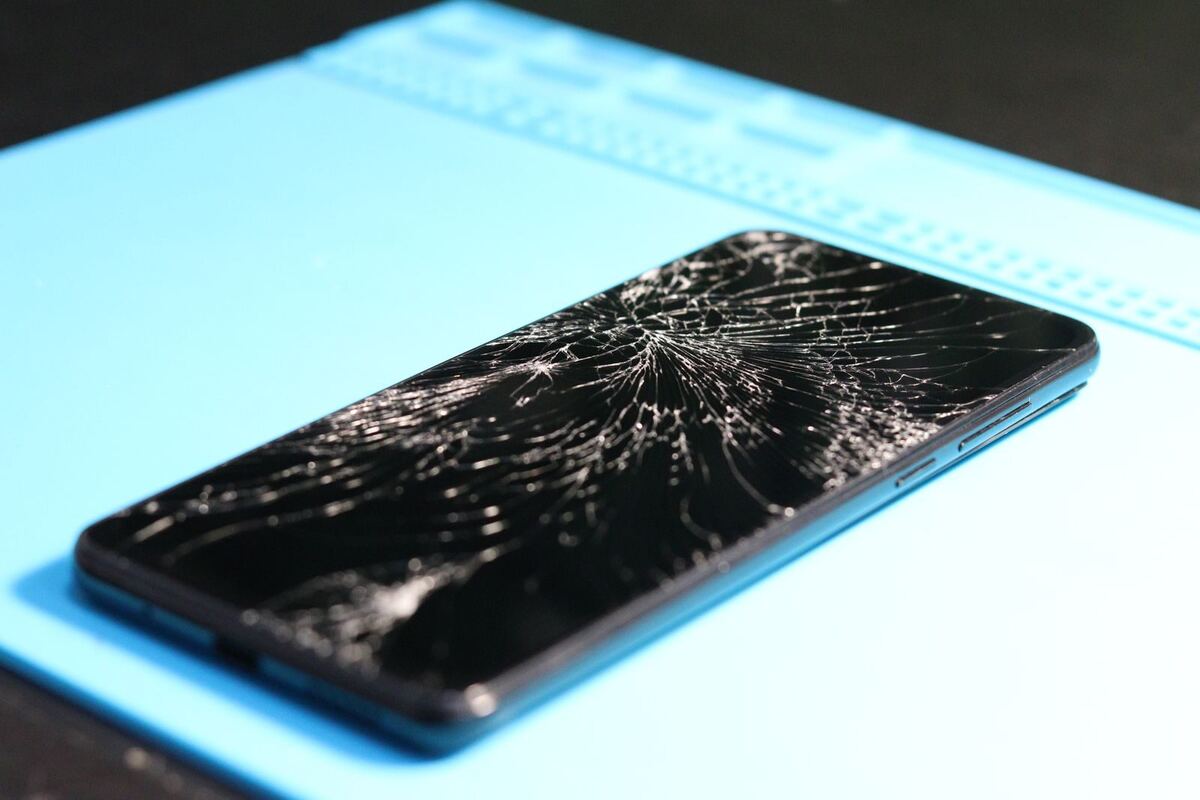
Phone with a cracked display on the repair mat — screen repair Düsseldorf
Screen

Lines or a green line on your screen: cause and repair

A thin green line across the screen, colourful stripes after a drop, or a black spot that slowly grows: these are three different faults with three different answers. Before you spend any money, a test that takes one minute is worth doing.

Published Topic Repair

Lines or a green line on your screen: cause and repair

The screenshot test

Take a screenshot and open it on another device, for example by sending it to yourself. This test reliably separates software from hardware.

If the line also shows up on the screenshot, it is created before the image reaches the display. Then it's the system or the graphics, and an update or a restart can help.

If the line is missing from the screenshot, the image itself is fine and the display is showing it wrongly. That's a hardware fault in the display or its connector. Software won't help any more.

The green line without a drop

On OLED displays, which means all iPhones from the X onwards except the XR, 11 and the SE models, a single green or pink line sometimes appears without the device ever having been dropped. It often coincides with an update. On the iPhone 14 Pro, Apple fixed flickering lines at start-up with an update.

If the line stays after a restart and after the latest update, the display itself is affected. If the device has never been dropped, never been wet and never been opened, please call Apple first. Faults like this are replaced under warranty, and there are reports that Apple has also helped as a goodwill gesture afterwards.

We tell you this even though we replace displays ourselves, because the order matters: once a device has been opened by an independent repair shop, that route with Apple is usually closed. If Apple says no, we're still here afterwards.

Stripes and spots after a drop

After an impact, things look different. Colourful stripes, a flickering area or black spots that look like spilled ink come from a broken display under the glass. The glass itself can be completely intact.

The black spots are leaking areas in the light-emitting layer. They almost always get bigger over time, sometimes within days, until the screen is completely black. If you still need to back up data, do it while you can still see something.

The only fix here is a new display. Because the glass, touch layer and screen form one unit on current devices, we replace them all together.

When the stripes only appear under pressure

If the stripes appear when you press a certain spot or bend the device slightly, the display connector is often no longer seated firmly or the cable is cracked. This happens after drops and sometimes after an earlier repair that wasn't done carefully.

A loose connector is the cheapest version of this fault, because the display itself is intact. We can only see whether that's the case once the device is open. We'll tell you then, before we order a part.

Samsung and other Android devices

Galaxy devices with an AMOLED display also get green or pink lines without a drop. The screenshot test works the same way there.

On many Galaxy models, the display is permanently attached to the frame and is replaced together with it. Why that is and what it means for you is explained in the article on the Samsung display with frame.

Frequently asked questions

Quick answers

Will a green line on the display go away by itself?

If it also shows on the screenshot, a restart or update can help. If it's only on the display and not on the screenshot, it will stay and is more likely to get wider. Then the display is faulty.

Can I keep using my phone with lines on the screen?

Usually yes, as long as touch works. But expect it to get worse, especially after a drop. Back up your data while you can still see something.

Does the whole display need replacing for a green line?

If it isn't just the connector, yes. The line comes from the light-emitting layer, and that can't be repaired on its own. We'll look at your device for free and give you a cost estimate. Then you can decide in your own time whether we repair it.

Does Face ID still work after a screen replacement?

Yes. Face ID isn't in the display but in a separate module at the top of the device, which we transfer during the replacement. There's more on this in the article on Face ID after a screen replacement.

Your question isn't here? Call us on 0211 26134549 or send us a repair request.

Request

Get your device checked now

Tell us which device it is and what is wrong with it. We get back to you with the price and how long it takes.

  • No obligation: a request is not an order
  • Free diagnosis and quote
  • A phone number or email is all we need
Prefer to call?0211 26134549
Request a repairStep 1 of 5

What brand is your device?

Four short questions. Then we get back to you with the price and how long it takes.

Have your device looked at now

Tell us what's not working, and we'll have the right part ready. We look at your device for free and give you a quote. Then you decide in your own time whether we repair it.

4.8 out of 5742 reviews on Google
WhatsApp