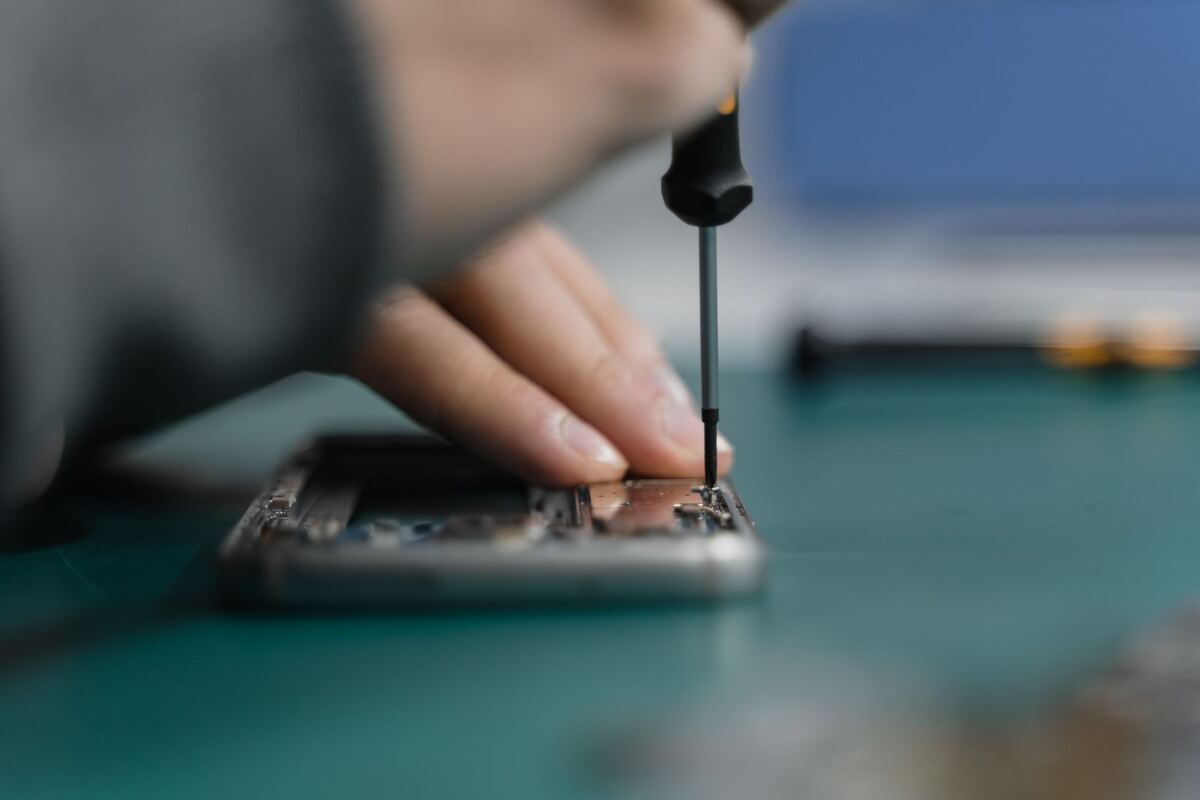
Opening a phone during a repair in Düsseldorf
Sound on calls

Phone too quiet on calls: is it the speaker or the microphone?

“I can't hear anything” and “They can't hear me” sound like the same problem, but they involve two different parts. Before anything gets replaced, you should rule out the harmless causes, because often there is just dust in the grille or a pair of headphones is still connected via Bluetooth. Here is how to check that in a few minutes.

Published Topic Repair

Phone too quiet on calls: is it the speaker or the microphone?

Earpiece, speaker, microphone: who does what

During a call, several parts in your phone work together, and each one sits in a different place. The earpiece is at the top edge of the screen, where you put your ear. The loudspeaker is at the bottom and takes over as soon as you switch to speakerphone or play music.

On a normal call, your voice is picked up by the microphone at the bottom of the phone. For videos and on speakerphone, the iPhone also uses microphones in the upper part, as Apple describes in its own guide.

This gives you the first distinction. If you hear the other person badly, it is the earpiece or the loudspeaker. If people struggle to understand you, one of the microphones is affected, and the search continues at the bottom of the phone.

Quick tests you can do yourself

Most of the following steps come from Apple's guides and work in much the same way on Android phones. Go through them in order, because the first ones take the least effort.

  • Switch off Bluetooth: if headphones or your car are still connected, the sound goes there instead of to the phone
  • Take off the case and screen protector, because both can cover an opening without you noticing
  • Make a recording in the “Voice Memos” app while speaking into the bottom of the phone: if your voice sounds clear on playback, the bottom microphone is fine
  • Record a short video with the camera, switch to the other camera and record another, each time speaking into the top of the phone: this checks the upper microphones
  • Switch to speakerphone on your next call: if you can now hear the other person clearly, the earpiece is affected
  • In the settings under “Sounds & Haptics”, drag the slider for ringtone and alerts back and forth a few times: if it stays silent or the slider is greyed out, according to Apple the speaker may need servicing

If it only happens on WhatsApp or only on calls

If the microphone works on a normal call and in a voice memo, but not in WhatsApp or another app, the part itself is fine. In that case, the app is usually missing permission to access the microphone. On an iPhone you will find this under “Settings”, then “Privacy & Security” and “Microphone”, where the app has to be switched on. On Android, the same permission is listed in the permissions of the app in question.

The opposite case happens too. If only normal calls sound bad, but a video call over the internet sounds perfect, that points more towards the mobile network. For crackling and noise, Apple explicitly names reception as a possible cause and advises calling again later or from a different place.

A part only becomes suspicious when the fault shows up everywhere, that is on calls, in voice memos and in every app alike.

Cleaning, but the right way

Dust and lint from your pocket like to settle in the grilles and make the sound muffled. For the speaker and earpiece, Apple recommends a small, soft-bristled brush that is clean and dry. Use it to gently brush over the grille without pressing.

Needles and toothpicks have no business in the grille. Behind it are delicate parts, and a pointed object tends to push the dirt deeper or damage them. You also shouldn't use compressed air; Apple explicitly advises against it in its cleaning guide. Liquid doesn't belong in the openings either.

On many iPhones, the bottom microphone sits right next to the charging port, and the same dirt often collects there. How to carefully clean the port is explained in the article about cleaning the charging port. If the dirt is stuck, it is better to bring the phone in than to keep scraping.

When a part gets replaced

If the sound is still bad after all the tests even though the grille is clean, the part itself is damaged. That happens, for example, after a drop or when water has got into the phone. A speaker that distorts or crackles is then replaced, and so is an earpiece that barely produces any sound even at full volume.

With the microphone, it depends on how the phone is built. On many iPhones, the bottom microphone and the charging port form one shared part, and then this unit is replaced as a whole. Which design your model has, we see at the diagnosis.

The diagnosis is free, even if you decide against the repair afterwards. Most repairs are done in under an hour. How long it takes for your phone, we tell you after the diagnosis.

Frequently asked questions

Quick answers

Why can't the other person hear me only on WhatsApp?

If normal calls and voice memos sound clear, the microphone is fine. In that case WhatsApp is usually missing permission for the microphone. On an iPhone, check this under “Settings”, “Privacy & Security” and “Microphone”.

Can I clean the speaker grille with a needle?

Better not. A needle easily pushes the dirt deeper and can damage the parts behind the grille. Apple recommends a small, clean and dry brush with soft bristles and advises against compressed air.

I can only understand callers on speakerphone. What is broken?

Then the loudspeaker at the bottom is working, and the earpiece at the top is affected. First check whether dirt or a screen protector is covering the opening above the screen. If it is clear and the sound stays quiet, the earpiece needs to be replaced.

Can I wait in the shop while the earpiece or microphone is replaced?

For some repairs you can wait instead of leaving the phone with us. Most repairs are done in under an hour. How long it takes for your phone, we tell you after the diagnosis.

Your question isn't here? Call us on 0211 26134549 or send us a repair request.

Request

Get your device checked now

Tell us which device it is and what is wrong with it. We get back to you with the price and how long it takes.

  • No obligation: a request is not an order
  • Free diagnosis and quote
  • A phone number or email is all we need
Prefer to call?0211 26134549
Request a repairStep 1 of 5

What brand is your device?

Four short questions. Then we get back to you with the price and how long it takes.

Have your device looked at now

Tell us what's not working, and we'll have the right part ready. We look at your device for free and give you a quote. Then you decide in your own time whether we repair it.

4.8 out of 5742 reviews on Google
WhatsApp