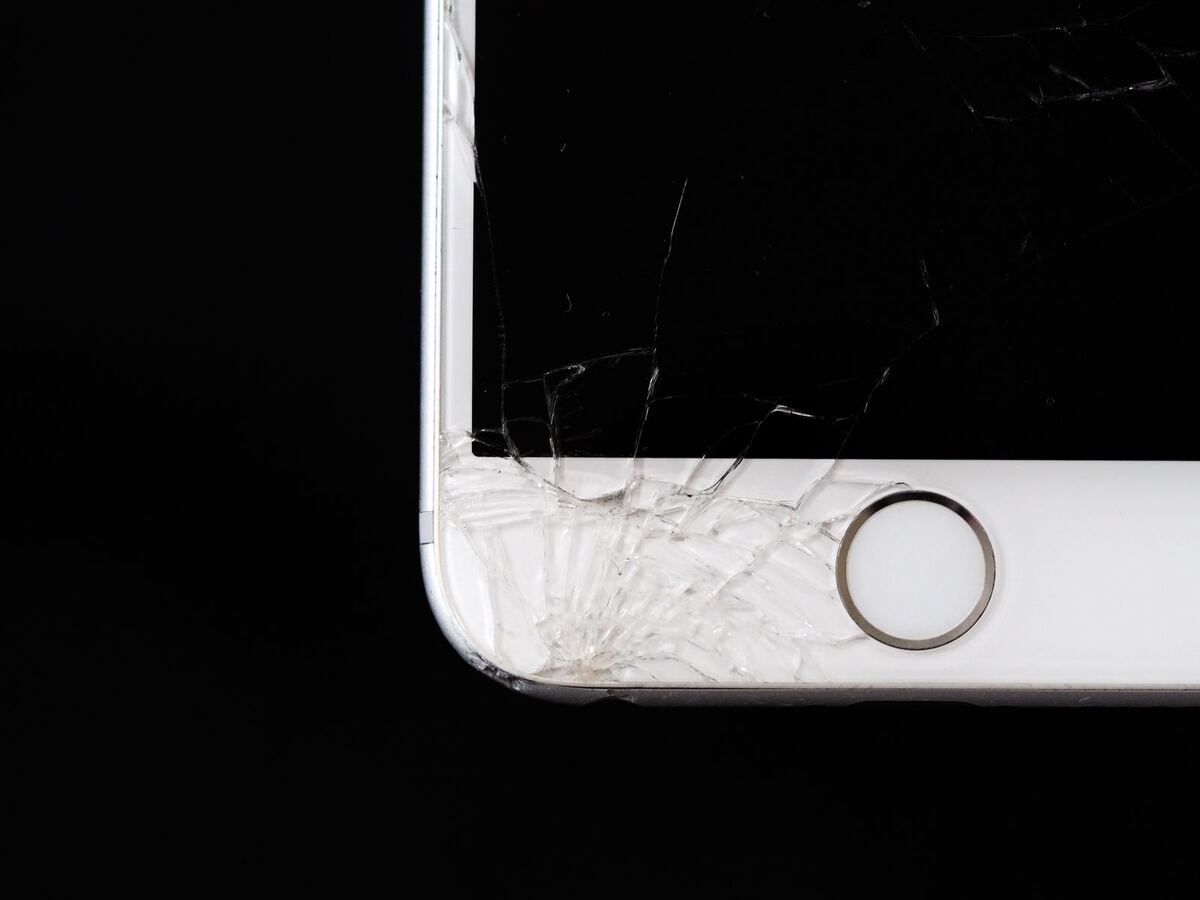
Cracked iPhone glass — glass repair Düsseldorf
Touchscreen

Touchscreen not responding or tapping by itself: what helps

A display that no longer responds in one spot is annoying. One that opens apps and dials numbers by itself is unsettling. Both often have a simple cause that has nothing to do with a broken screen, and you should rule that out first.

Published Topic Repair

Touchscreen not responding or tapping by itself: what helps

If your phone taps by itself: switch it off first

A display that detects touches that aren't there can start calls, send messages or change settings. If you're seeing this right now, switch the device off until you have time to look into it.

If switching off via the screen doesn't work because the touch keeps interfering, a force restart with the buttons helps. How to do that on your model is explained in the article on the iPhone that won't turn on.

Five causes you can check yourself

Go through the list in this order. The first points cost nothing and solve the problem more often than you'd think.

  • Unplug the charging cable: if the fault only happens while charging, it's almost always the charger
  • Remove the screen protector or tempered glass, especially if it has lifted at the edge or there's dust underneath
  • Remove the case if it presses over the edge of the display at the front
  • Wipe the display with a dry, soft cloth and dry your hands
  • Install the latest update and restart the device once

Why a cheap charger interferes with touch

This is the cause hardly anyone thinks of. A touchscreen measures tiny electrical changes when your finger touches it. A poorly made charger gives off electrical noise while charging, and the display mistakes this noise for touches.

You can tell because the fault comes with the cable and disappears without it. The fix then is just a decent charger, not a repair.

When one area is dead

If a particular area doesn't respond at all any more, such as a strip along the edge or the corner where the keyboard is, the touch layer is damaged. This happens after drops, often where the glass is cracked too, but sometimes with intact glass as well.

On current devices, the touch layer is bonded to the glass and the screen. That's why the repair is a display replacement, even if the picture itself still looks perfect.

You can check it like this: drag an app icon slowly across the whole screen. Where it gets stuck or is let go, the working area ends.

If it started after a repair

If the fault began shortly after a display replacement, there are two typical causes. Either the connector isn't seated quite firmly, or the fitted display is a weak aftermarket part whose touch layer works less precisely than a genuine one.

A loose connector is quickly fixed. With a weak aftermarket part, only a different display helps. We've explained what makes the difference between genuine and aftermarket in a separate article. We work with genuine parts and only fit tested aftermarket parts if you expressly ask for them.

Two causes that aren't in the display

A swollen battery pushes against the screen from the inside. The pressure alone can trigger touches. If the display is lifting at an edge, stop charging the device and bring it in.

Moisture inside the device also causes phantom touches, often hours or days after contact with water. What to do in the first minutes after water damage is covered in the article on first aid.

Frequently asked questions

Quick answers

Can tempered glass really interfere with touch?

Yes, especially if it has lifted at the edge, has air bubbles or has dust underneath. Take it off as a test. If touch works normally afterwards, a new glass is all you need.

My phone only taps by itself while charging. Is the display broken?

Almost never. That's typical of a charger that gives off electrical noise. Try a different, decent charger, and the fault is usually gone.

Can just the touch layer be replaced?

Not on current smartphones, because the touch layer, glass and screen are bonded together. Some iPads are different: there, the touch layer sits in the glass and is replaced with it.

What does it cost if the touch is broken?

That depends on the model and on whether it's just the connector or the whole display. We'll look at your device for free and give you a cost estimate. Then you can decide in your own time whether we repair it.

Your question isn't here? Call us on 0211 26134549 or send us a repair request.

Request

Get your device checked now

Tell us which device it is and what is wrong with it. We get back to you with the price and how long it takes.

  • No obligation: a request is not an order
  • Free diagnosis and quote
  • A phone number or email is all we need
Prefer to call?0211 26134549
Request a repairStep 1 of 5

What brand is your device?

Four short questions. Then we get back to you with the price and how long it takes.

Have your device looked at now

Tell us what's not working, and we'll have the right part ready. We look at your device for free and give you a quote. Then you decide in your own time whether we repair it.

4.8 out of 5742 reviews on Google
WhatsApp